Animated Cursor Clicking and Typing in Search Bar UI
By VoxelaraOne great value subscription from €14.50/month
- Unlimited downloads of 27+ million creative assets
- AI Tools: video, image and more
- Lifetime commercial license
- Easy cancellation
- Length
- 0:06
- Resolution
- 2560 x 1440
- File Size
- 143 MB
- Frame Rate
- 30 fps
- Alpha Channel
- Yes
- Looped
- No
- Video Encoding
- ProRes
- Orientation
- Horizontal
- Commercial License
- Further Information
Description
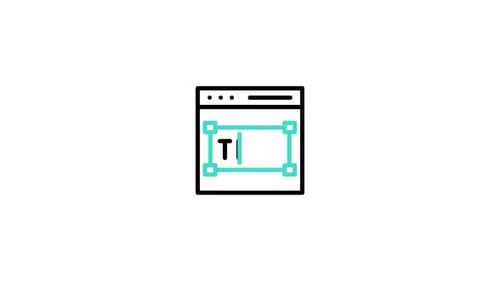
This animated clip features a clean and modern user interface element centered on a dark background. The animation begins with a white rectangular input box or search bar with soft rounded corners and a subtle drop shadow that gives it a professional, layered look. A bright blue mouse cursor enters the frame from the lower right corner, gliding smoothly toward the input field. Once the cursor reaches the box, a vertical text bar appears, blinking rhythmically to simulate an active text field. The word 'Typing' then appears character by character, replicating a natural typing speed as if a user is interacting with a live web page or application. This visual effect is designed with precision, focusing on the clear and deliberate movements of the cursor and the crisp rendering of the serif font. It serves as an excellent tool for creators looking to demonstrate software functionality, website navigation, or digital search processes. The high-contrast color palette of blue, white, and black ensures that the interaction remains the focal point, making it easy to integrate into larger video projects or presentations. By providing a realistic simulation of a digital input task, this asset enhances the professionalism of tech-themed content and helps guide the viewer's eye through a logical user journey. It is particularly useful for instructional content where demonstrating a specific user action is required to convey technical concepts effectively.